
Automated Data Reporting
Automating the Data Pipelines for Efficient Power BI Reporting

Colorado, USA
Food and Beverage
51-200 Employees
The Customer
The client, a leading third-party food verification company headquartered in Colorado, employs around 89 people and generates an annual revenue of over $25 million. They ensure the accuracy of food production claims through comprehensive verification and certification services. By providing rigorous auditing and certification processes, the client supports various stakeholders in the food industry, including farmers, processors, retailers, and restaurants, in maintaining high standards of food safety and sustainability
The Problem
The Problem
- 1
Manual updates mean that decision-makers may not have access to real-time data.
- 2
Large Excel files can slow down the performance of Power BI reports and dashboards.
- 3
Manually updating the data can be time-consuming and inefficient.
- 4
Without secure connections, there is an increased risk of unauthorized access to sensitive data.
- 5
Manual handling of Excel files increases the risk of errors such as accidental deletions or incorrect data entry.
- 6
Without automation, the process of data collection, updating, and reporting is manual and prone to delays.
The Problem
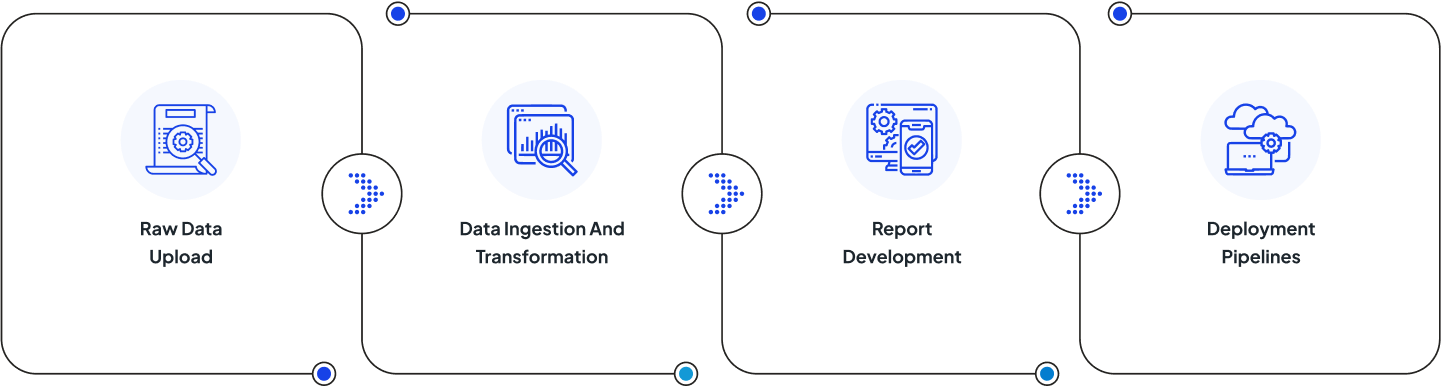
What Solution Did We Propose
- 1
Set Up MS Fabric Environment To Support ETL Process
- 2
Create ETL Process Using MS Fabric Pipelines And Notebooks
- 3
Create Power BI Report By Using Consuming Data From Lakehouse
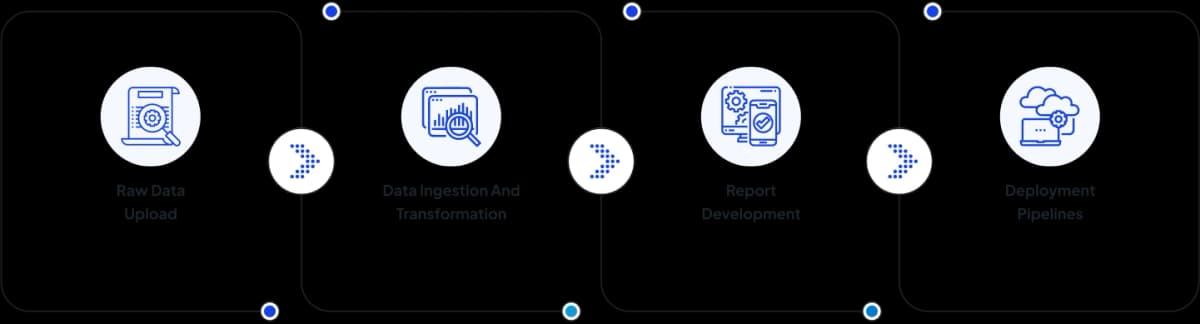
Our Process
Technologies Involved In This Case

Azure Storage Account

MS Fabric Data Pipelines

MS Fabric Lakehouse


MS Fabric Notebooks

MS Fabric Deployment Pipelines
Take A Seamless Cloud Ride With Us!
Get the power to boost your business, innovation, and growth.
Get Customized Azure Cloud Services
Talk to an Azure engineer
Let's talk about your Azure project.
Schedule a 1:1 Call Today
Get in touch with our team to solve your Azure queries.