
Pre-Built Financial Forecasting Dashboard for Power BI and Microsoft Fabric
Forecast revenue, expenses, and cash from live ERP data instead of rebuilding spreadsheets every month. Folio3's pre-built financial forecasting dashboard runs on Microsoft Fabric, uses Azure Machine Learning for its forecasts, and goes live in weeks.
- MicrosoftSolutions Partner
- ISO 27001certified
- 27Microsoft BI certifications
- 1,000+companies served
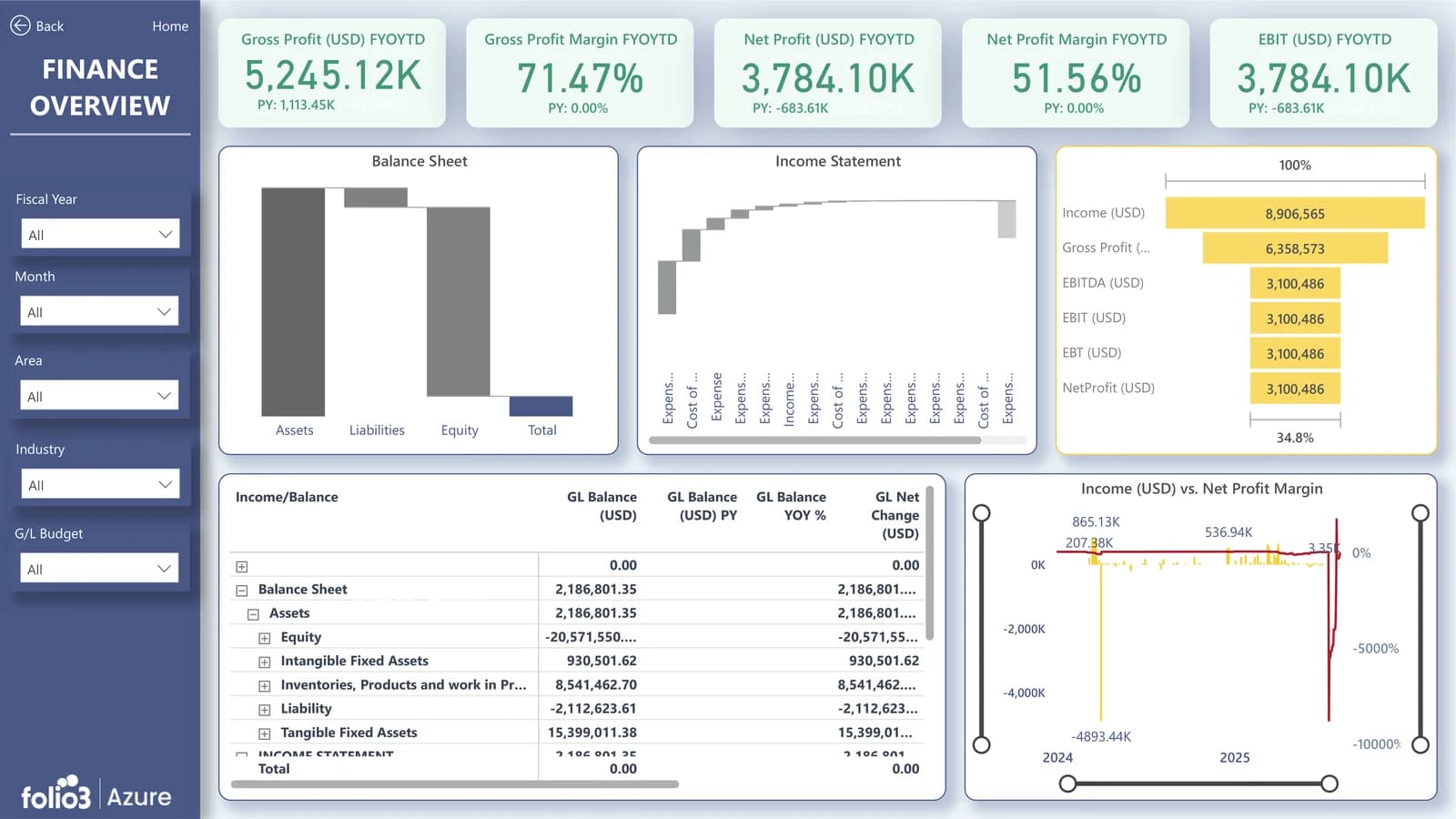
What Is a Financial Forecasting Dashboard?
A financial forecasting dashboard is a live report that projects revenue, expenses and cash flow from historical actuals and business drivers, and compares those projections with budget and actual results.
Folio3's version, the Folio3 IntelliFabric Financial Forecasting Dashboard, is a pre-built Power BI dashboard on Microsoft Fabric that connects to your ERP, refreshes on a schedule and uses Azure Machine Learning to produce rolling forecasts.
It ships as part of IntelliFabric, Folio3's pre-built analytics solution on Microsoft Fabric, so the data model, pipelines and security are already built before your data goes in.
Where the ERP dashboards for Dynamics 365 and Business Central show what has happened, Financial Forecasting adds what comes next: it sits on the same data and projects it forward.
Why Finance Teams Outgrow Spreadsheet Forecasts
- 01
Forecasts go stale on day one.
Actuals are exported, pasted and reconciled by hand, so the forecast reflects last month.
- 02
Every question waits on an analyst.
Leaders cannot drill from a variance to the account or entity behind it.
- 03
Data sits in silos.
ERP, CRM, payroll and budget files never meet in one model.
- 04
No one trusts the number.
Versions multiply, formulas break and the board pack is rebuilt every quarter.
Folio3 has already replaced this kind of manual work, for example by automating Power BI data pipelines for a food verification company.
What's Inside the Financial Forecasting Dashboard
Seven views, from the rolling revenue forecast to the executive summary, on one Power BI semantic model.
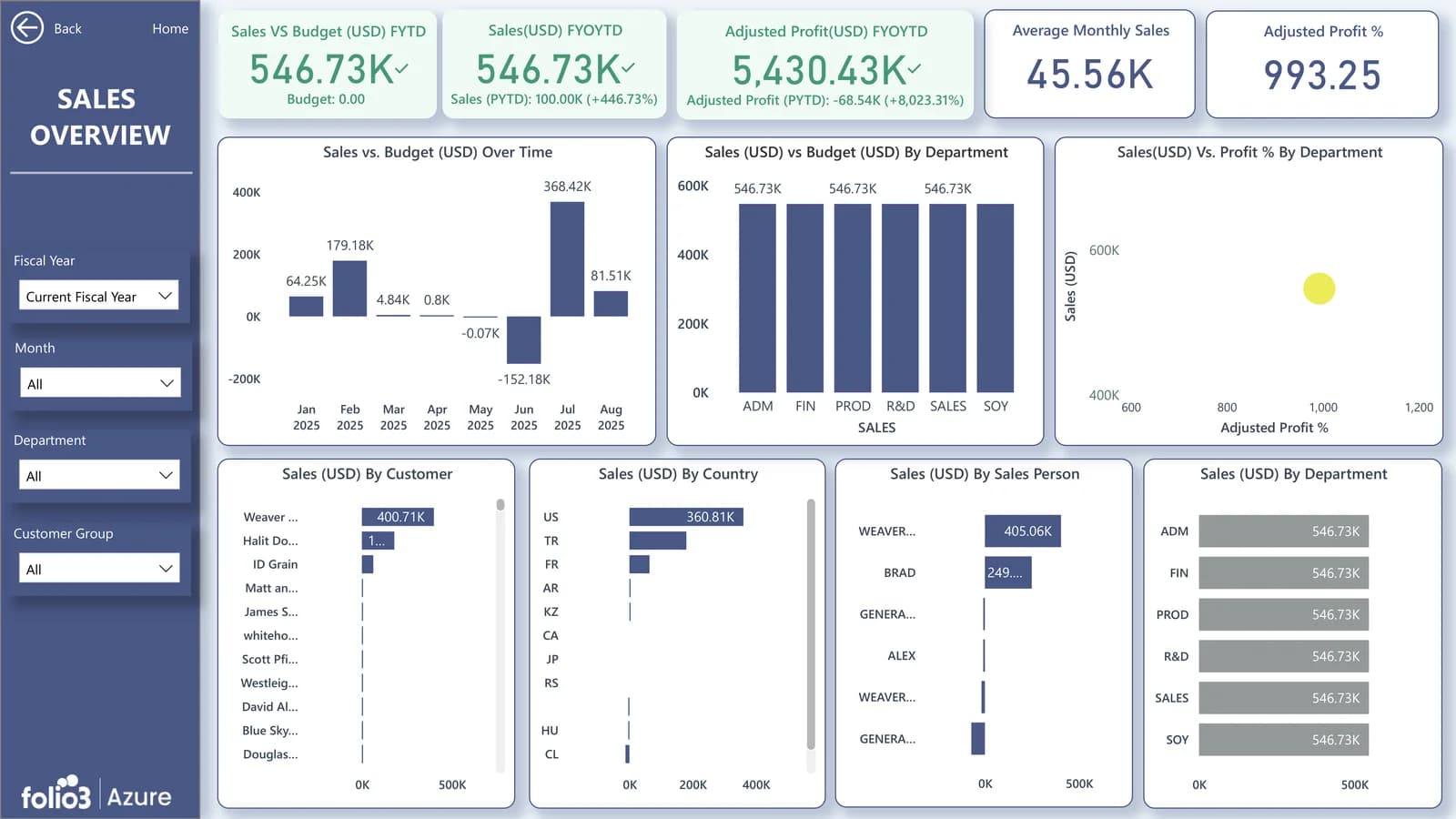
Revenue forecast
Rolling 12-month forecast with actuals overlay, by entity, product line and region.
- Rolling 12-month
- Actuals overlay
- By entity & region
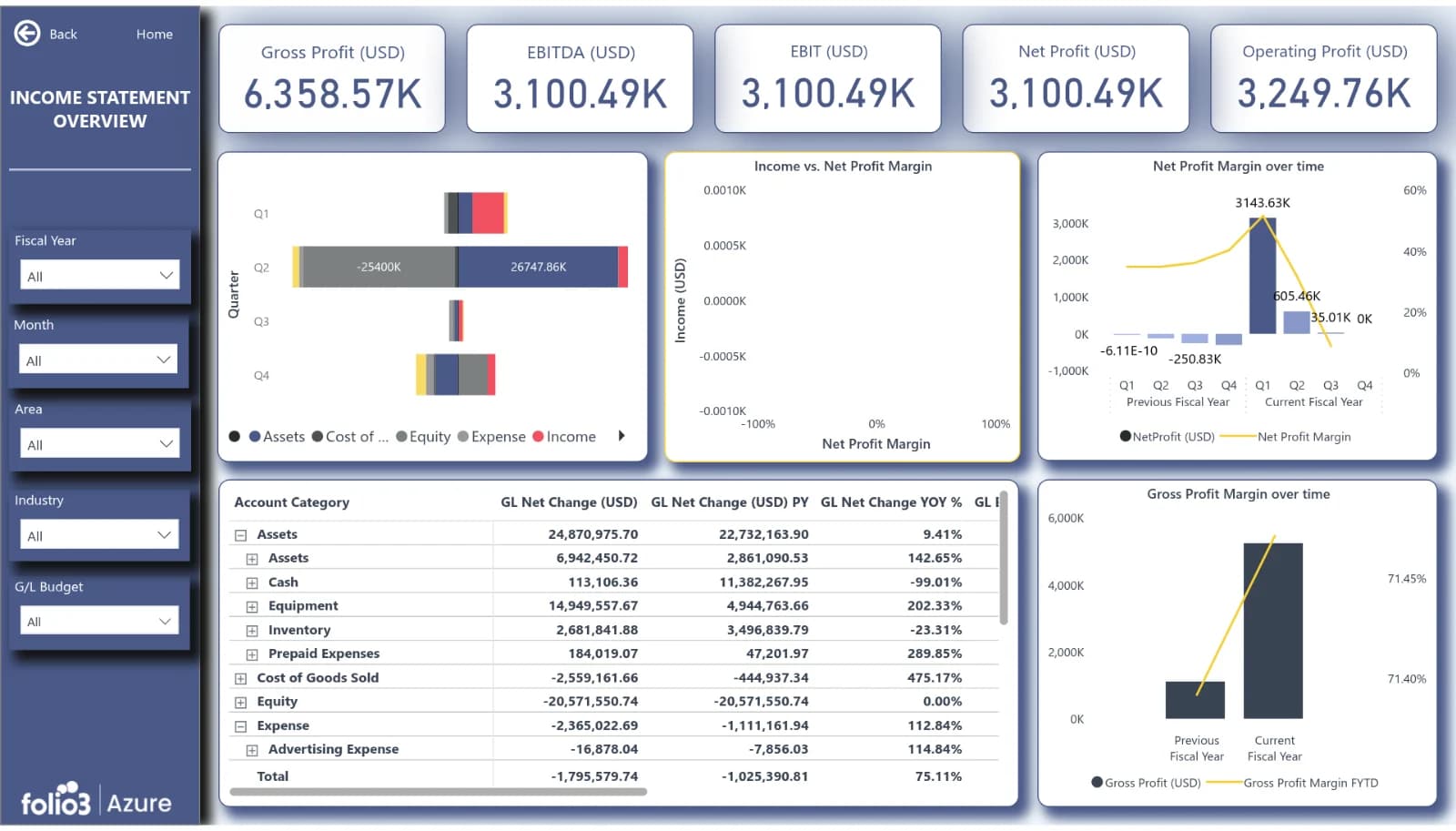
Expense and OpEx forecast
Projected COGS, OpEx and CapEx by category and department.
- COGS
- OpEx
- CapEx
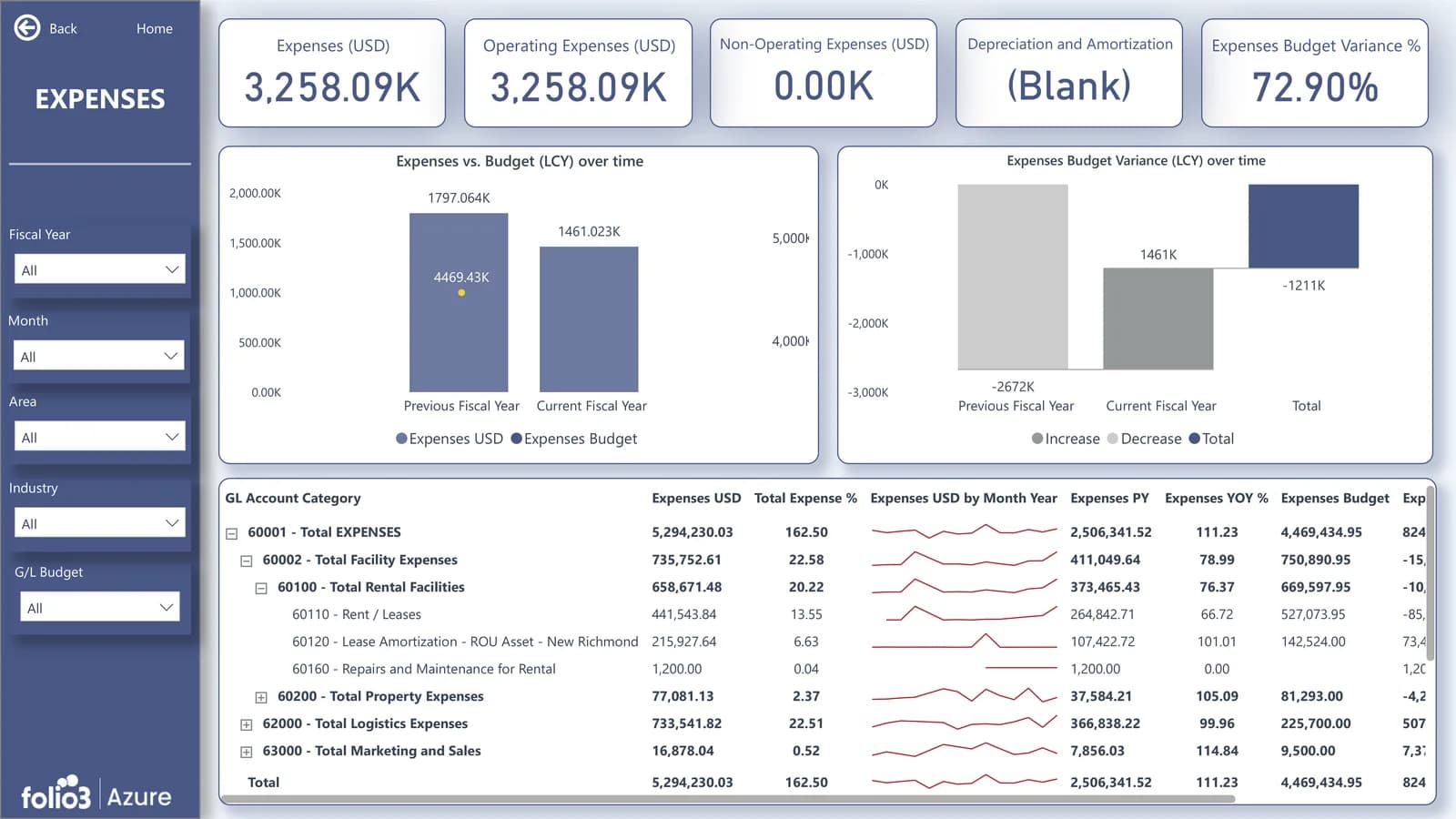
Budget vs actual vs forecast
Variance by account, department and period, with drill-through to transactions.
- Variance analysis
- Drill-through
- By GL account
KPIs and ratios
Gross margin, EBITDA, operating margin and current ratio, trend and forecast.
- Gross margin
- EBITDA forecast
- Operating margin
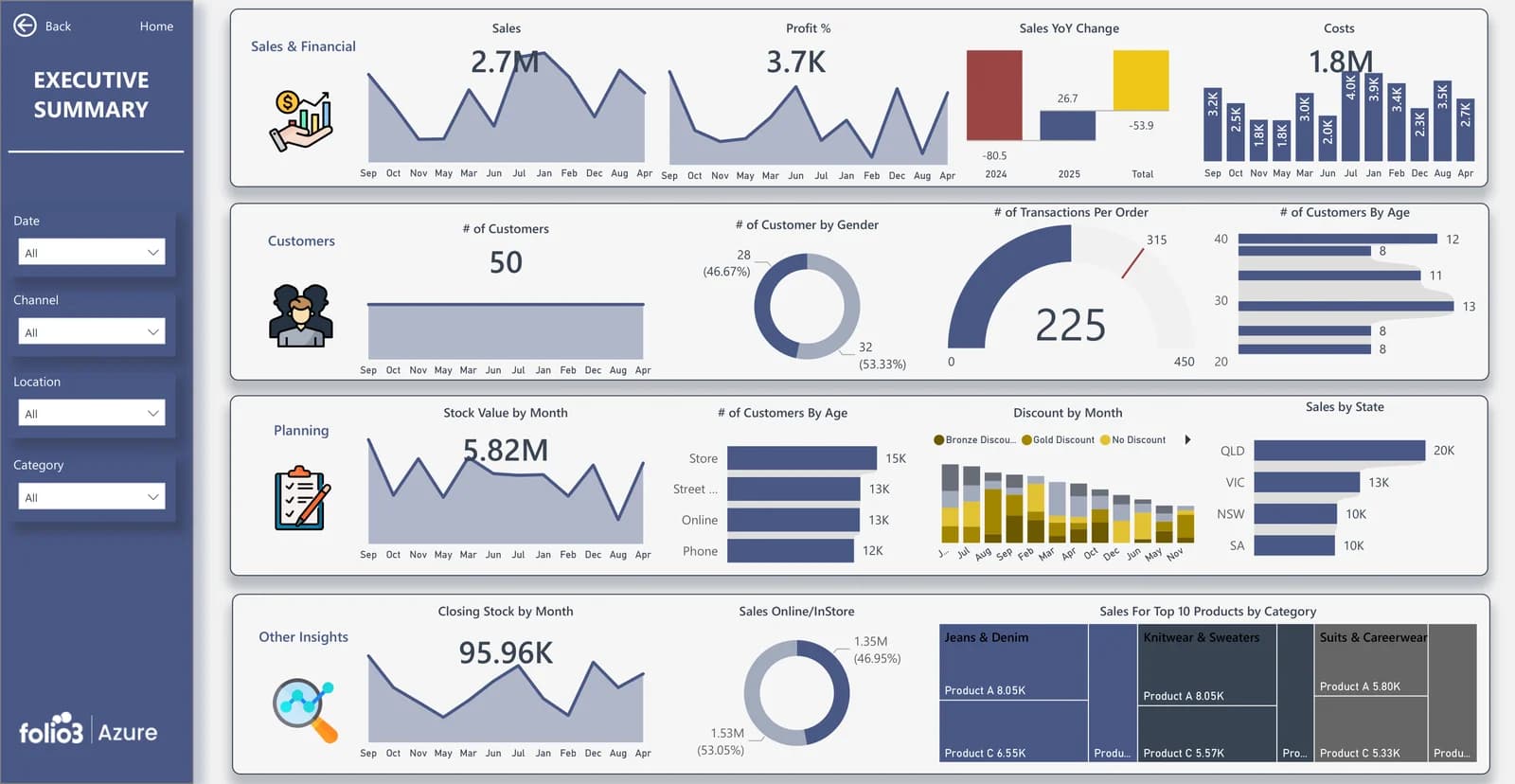
Executive summary
A one-page scorecard with growth rates, key variances and forecast accuracy.
- One-page scorecard
- Growth rates
- Forecast accuracy
Every view is customised to your chart of accounts, entities and KPIs during setup. The visual layer follows the same standards as our data visualization as a service work.
AI Financial Forecasting with Azure Machine Learning and Power BI
The dashboard uses two forecasting layers, so you get speed for simple trends and accuracy for the numbers that matter.
How does AI improve financial forecasting accuracy? Azure ML models learn seasonality and the drivers behind each line, and every forecast is scored against actuals, so accuracy is measured rather than assumed. Models are built and maintained by our machine learning and predictive analytics team.
Built-in Power BI forecasting for quick trend views. Power BI's native forecast uses exponential smoothing on time-series data.
Azure Machine Learning models for revenue, expense and cash forecasts. Models account for seasonality and add drivers such as pipeline, headcount or pricing. The most accurate model for your data is selected and deployed.
Accuracy tracking. Each forecast is scored against actuals every period (for example with MAPE), so finance can see how reliable each line is.
Human override. Analysts can adjust any forecast line; the dashboard keeps both the model and the adjusted value.
Scenario Planning and What-If Analysis
Can you do what-if and scenario planning in Power BI? Yes. Try it below.
- Switch between best, base and worst-case scenarios in one click.
- Move drivers such as growth rate, price, churn or hiring plan and watch revenue, margin and cash recalculate.
- Compare scenarios side by side for board meetings.
- Need planners to enter assumptions or budgets directly? We add input forms and write-back with Power Apps through our Microsoft Power Platform services, so planning and reporting stay in one Microsoft model.
Move the drivers
12-month revenue
$51.6M
Gross margin
58.8%
Cash at month 12
$10.3M
Cash runway
Cash positive
Cash balance by scenario ($M)
| Side by side | Revenue | Margin | Cash M12 | Runway |
|---|---|---|---|---|
| Best case | $55.4M | 59.6% | $13.7M | Cash positive |
| Base case | $51.6M | 58.8% | $10.3M | Cash positive |
| Worst case | $45.3M | 57.1% | $4.6M | 21 mo |
Illustrative · sample company
Connects to Your ERP, CRM and Budget Files
ERP
Dynamics 365 Business Central and Dynamics 365 Finance & Operations
CRM
Dynamics 365 Sales, for pipeline-driven revenue forecasts
Payroll and HR
Headcount and salary data for workforce cost forecasts
Budgets
Excel and SharePoint budget files, loaded into the same model
Connections are built and monitored as part of our data integration as a service offering, so new sources can be added later without rebuilding the dashboard.
Financial Forecasting on Microsoft Fabric: How It Fits Together
Your finance data lands in one governed lakehouse, models forecast it, and Power BI shows the result.
The platform is set up through our Microsoft Fabric implementation services, with the lakehouse delivered under our data warehousing as a service model. Already on Azure Synapse or a legacy warehouse? Our Microsoft Fabric migration team moves it first.
- 1
Ingest
Data FactoryFabric Data Factory pipelines pull ERP, CRM and budget data on a schedule.
- 2
Store
OneLakeData is cleaned into a OneLake lakehouse using a bronze, silver and gold (medallion) structure.
- 3
Forecast
Azure MLAzure Machine Learning models score the gold data and write forecasts back to OneLake.
- 4
Model
Semantic modelA Power BI semantic model holds actuals, budgets and forecasts with row-level security.
- 5
Use
Power BI + CopilotFinance teams work in the Power BI dashboard and ask questions through Copilot.
- Only the last layer is what finance users see.
Copilot in Power BI
Why is Q3 cash below forecast?
Q3 cash is $1.2M below forecast. Receivables collected 9 days slower in EMEA, partly offset by OpEx running 4.6% under plan.
Which regions drive the revenue gap?
North America accounts for 68% of the gap, driven by two delayed enterprise renewals in the pipeline.
Illustrative
Ask Your Forecast Questions with Copilot
Copilot in Power BI lets finance leaders ask, “Why is Q3 cash below forecast?” or “Which regions drive the revenue gap?” and get a written answer with the supporting visual.
- Plain-English summaries of forecast changes for board packs
- Variance explanations without waiting for an analyst
- Narrative commentary generated from the latest refresh
We set up Copilot through our Microsoft Copilot consulting practice. For wider finance use cases such as risk and compliance, see the Folio3 Finance Copilot scenarios.
Built for CFOs, FP&A and Controllers
CFO
One trusted forecast for board meetings and investor updates.
FP&A manager
Rolling forecasts without monthly rebuilds, and time for analysis instead of data prep.
Controller
Budget vs actual variance with drill-down to transactions.
Business unit leaders
Their own forecast view, secured to their entity or department.
IT and data teams
A governed Fabric platform instead of scattered Excel models.
From Kickoff to Live Forecasts in Weeks
- 01
Discovery
- 02
Connect data
- 03
Configure
- 04
Test and train
- 05
Go live and support
Folio3 already deploys 10+ pre-built Business Central dashboards within a week; forecasting adds the time needed to train models on your history. After go-live, refreshes are monitored and enhanced through Azure managed services.
Pre-Built Dashboard vs Excel, FP&A Software and Custom Builds
How a pre-built Power BI forecast compares with spreadsheets, financial forecasting software and a build-your-own approach.
| Criteria | Folio3 pre-built dashboard | Excel models | FP&A software | Custom Power BI build |
|---|---|---|---|---|
| Time to first forecast | Weeks | Rebuilt every month | Months of setup | Months |
| Forecast method | Azure ML + Power BI forecasting | Manual formulas | Vendor engine | Built from scratch |
| Data refresh | Scheduled from ERP | Manual export and paste | Connector-based | Depends on build |
| Scenario planning | Built in; write-back via Power Apps | Copy of the file per scenario | Built in | Extra development |
| Where data lives | Your Microsoft Fabric tenant | Local files | Vendor cloud | Your tenant |
| Extra licences | Uses your Microsoft stack | None | Per-user FP&A licence | Uses your Microsoft stack |
| AI and Copilot | Included | No | Varies | Extra development |
Results from Folio3 Finance Analytics Projects
Secure by Design for Financial Data
Is financial data secure in Microsoft Fabric? Yes, and it never leaves your tenant.
- Data stays in your own Microsoft Fabric and Azure tenant.
- Row-level security limits each user to their entity, region or department.
- Sign-in through Microsoft Entra ID with your existing access policies.
- Folio3 is ISO 27001 certified and follows enterprise-grade encryption practices.
More Pre-Built Reporting Dashboards from Folio3
Financial Forecasting sits alongside Folio3's other pre-built reporting dashboards in the Solutions menu.
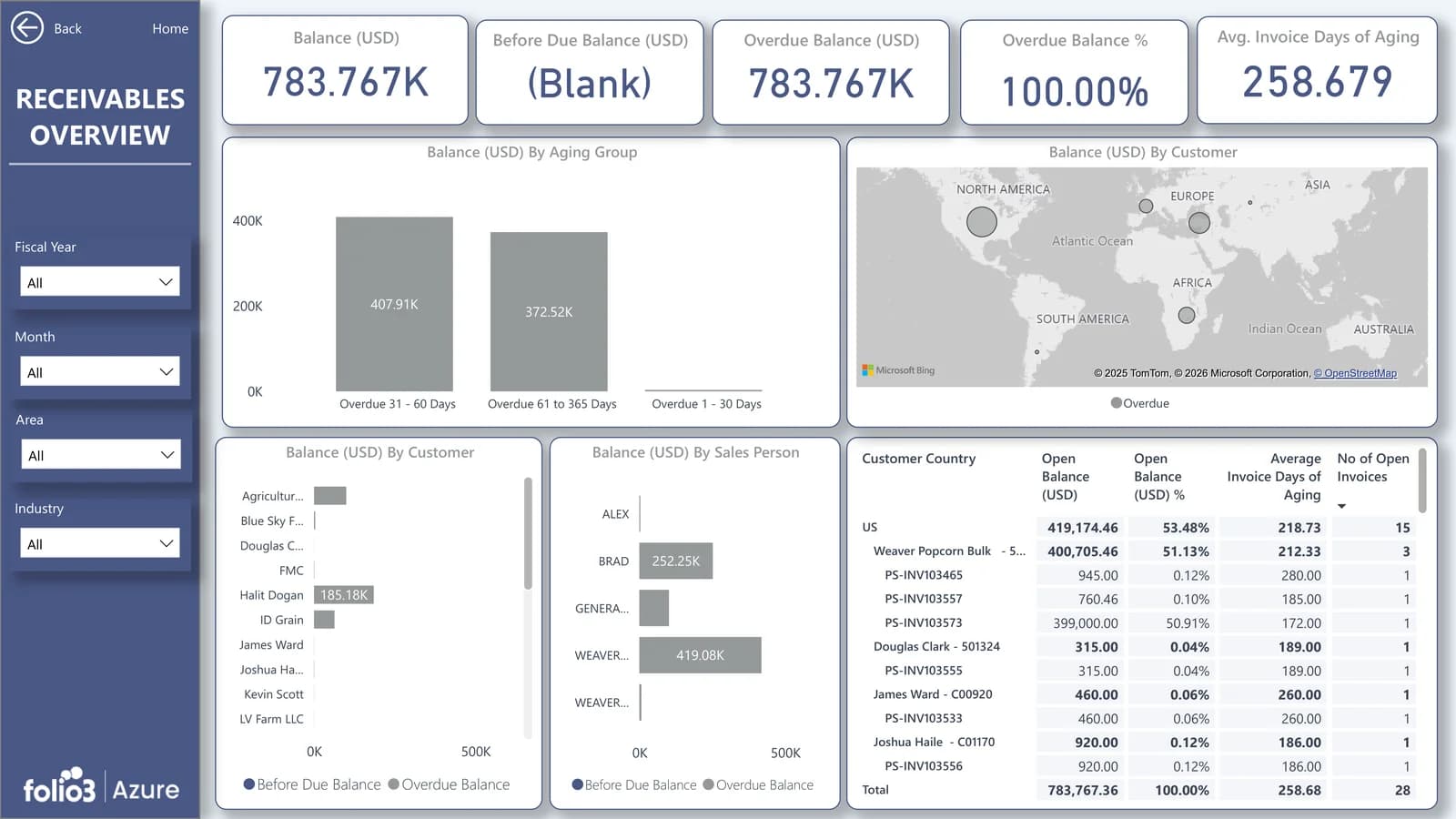 Pre-built Power BI dashboards for Dynamics 365 Business CentralFinancial management, receivables, payables, cash flow, sales and inventory.
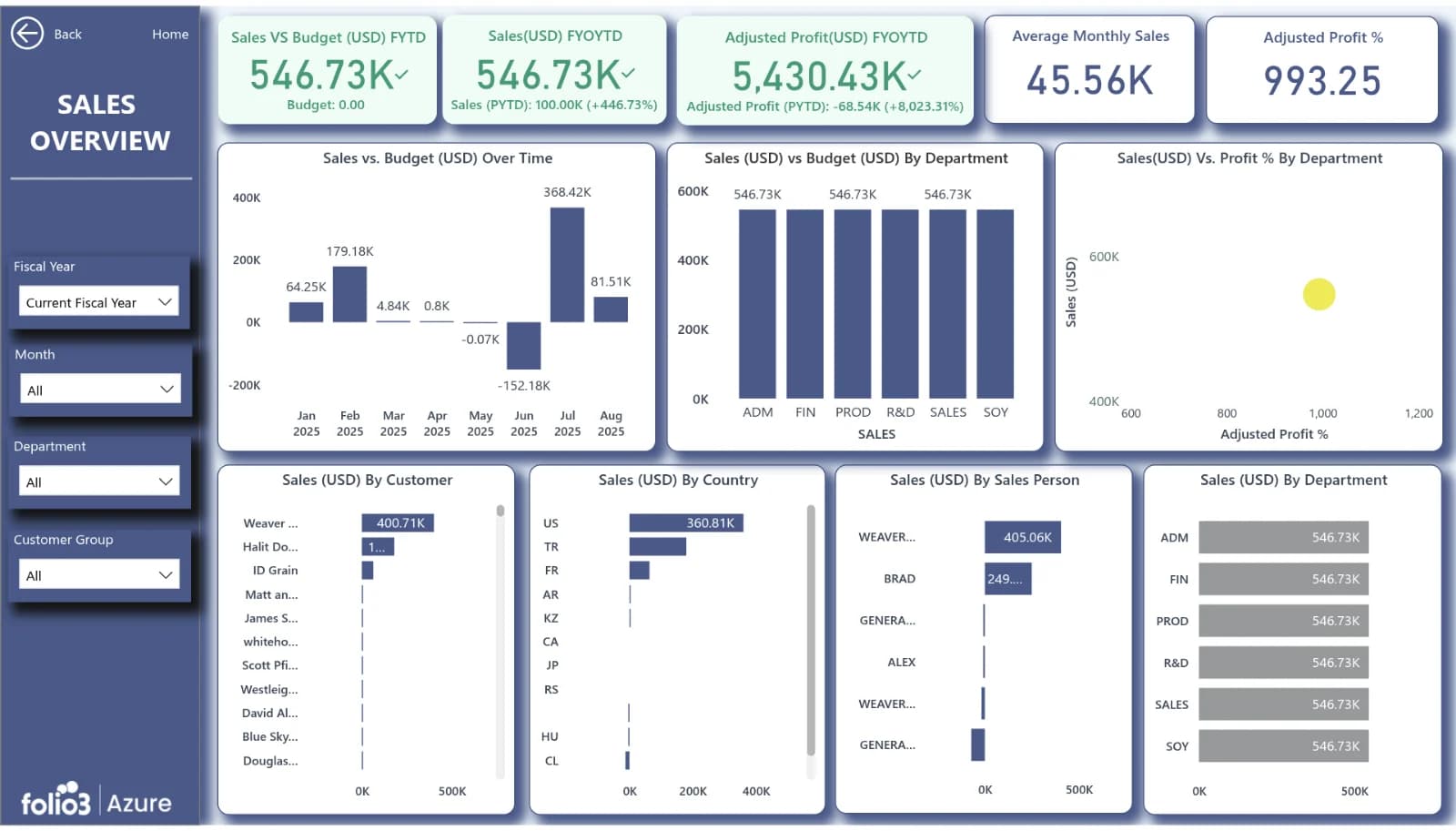 Pre-built Power BI dashboards for Dynamics 365Finance, sales, operations and service reporting across Dynamics 365.
The same IntelliFabric foundation also powers our industry analytics suites:
See Your Numbers in a Live Forecast
Book a free demo. We will walk through the dashboard with sample data and show how your ERP data would map into it.
Financial Forecasting Dashboard FAQs
What is a financial forecasting dashboard?
A financial forecasting dashboard is a live report that projects revenue, expenses and cash from historical actuals and drivers, and compares them with budget and actuals. Folio3's version is a pre-built Power BI dashboard on Microsoft Fabric that refreshes from your ERP automatically.
Can Power BI do financial forecasting?
Yes, Power BI can forecast natively using exponential smoothing on line charts, which suits quick trend views. For revenue, expense and cash forecasts that need seasonality and business drivers, Folio3 adds Azure Machine Learning models and shows their output in Power BI.
Does the dashboard work with Dynamics 365 Business Central?
Yes, Dynamics 365 Business Central is a core supported source, alongside Dynamics 365 Finance & Operations.
What data do I need to start forecasting?
You need historical general ledger actuals, your budget, and your chart of accounts and entity structure. CRM pipeline, headcount and bank balances improve accuracy but are optional.
How long does deployment take?
Most deployments go live in weeks because the data model and dashboards are pre-built. Timing depends on the number of data sources, entities and custom KPIs.
How accurate is AI financial forecasting?
Accuracy depends on data history and stability, so the dashboard scores every forecast against actuals each period and shows that error rate. Finance can then see which lines to trust and where to apply judgement.
Can we run what-if scenarios and enter budgets in the dashboard?
Yes, the dashboard includes best, base and worst-case scenarios with adjustable drivers. For entering budgets or assumptions directly, Folio3 adds Power Apps write-back so planning data stays in the same model.
Power BI or FP&A software: which is better for forecasting?
Power BI on Microsoft Fabric is the better fit if you already use Microsoft 365 or Dynamics 365 and want forecasts in your own tenant without extra per-user FP&A licences. Dedicated FP&A software suits teams that need complex consolidation and approval workflows above all else.
Is our financial data secure?
Yes, data stays in your own Microsoft Fabric and Azure tenant, protected by Microsoft Entra ID sign-in and row-level security. Folio3 is ISO 27001 certified.
Can the dashboard be customised?
Yes, every view is mapped to your chart of accounts, entities and KPIs during setup, and new views or data sources can be added later.
Do we need Microsoft Fabric licences?
The dashboard runs on Microsoft Fabric capacity and Power BI licences in your tenant. Folio3 sizes the capacity during discovery so you only pay for what the workload needs.
Talk to an Azure engineer
Let's talk about your Azure project.
Schedule a 1:1 Call Today
Get in touch with our team to solve your Azure queries.